Ledger · 5 min
How to photograph a card for scanning and grading
Lighting, angle, framing, and background tips so TCGpal can identify the card and score centering, corners, edges, and surface without glare lying to the model.
Updated August 12, 2026 · TCGpal
Light first
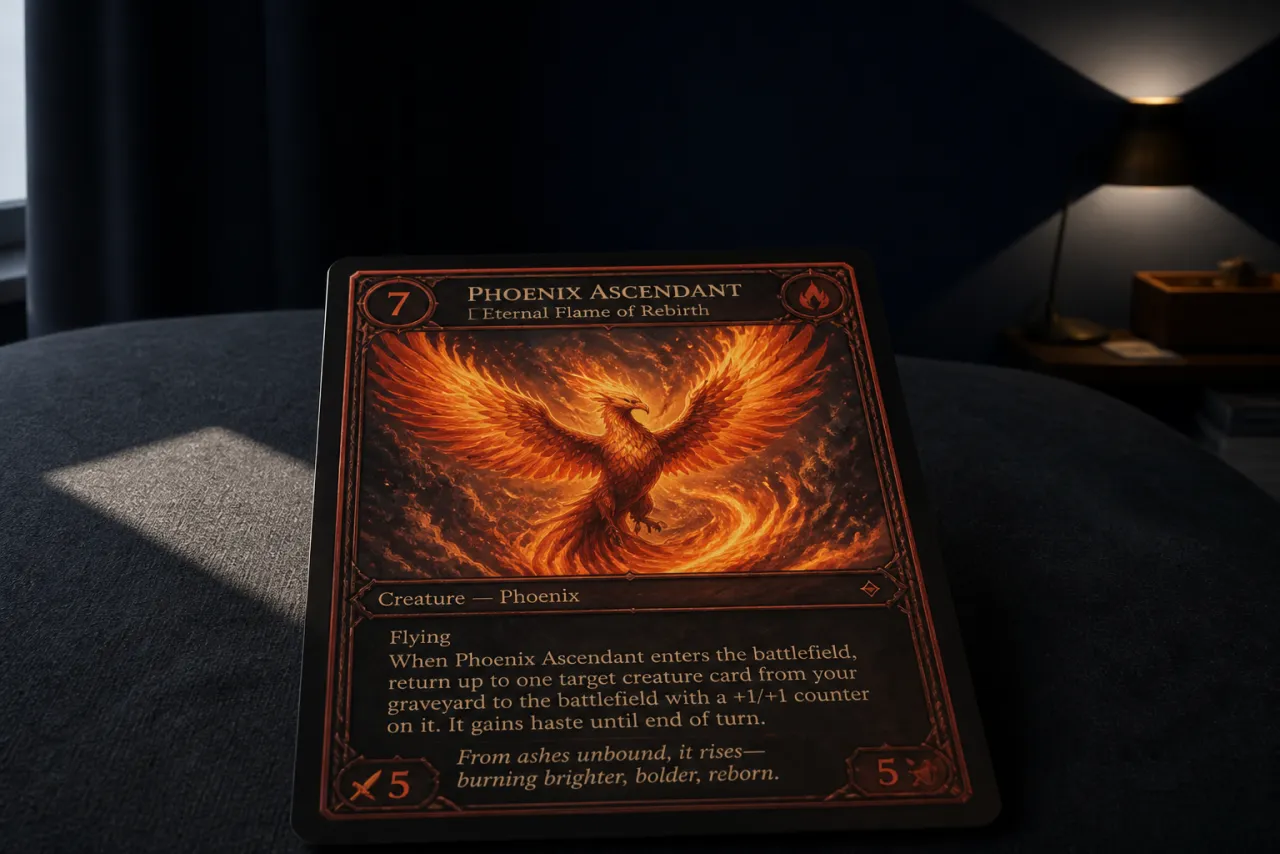
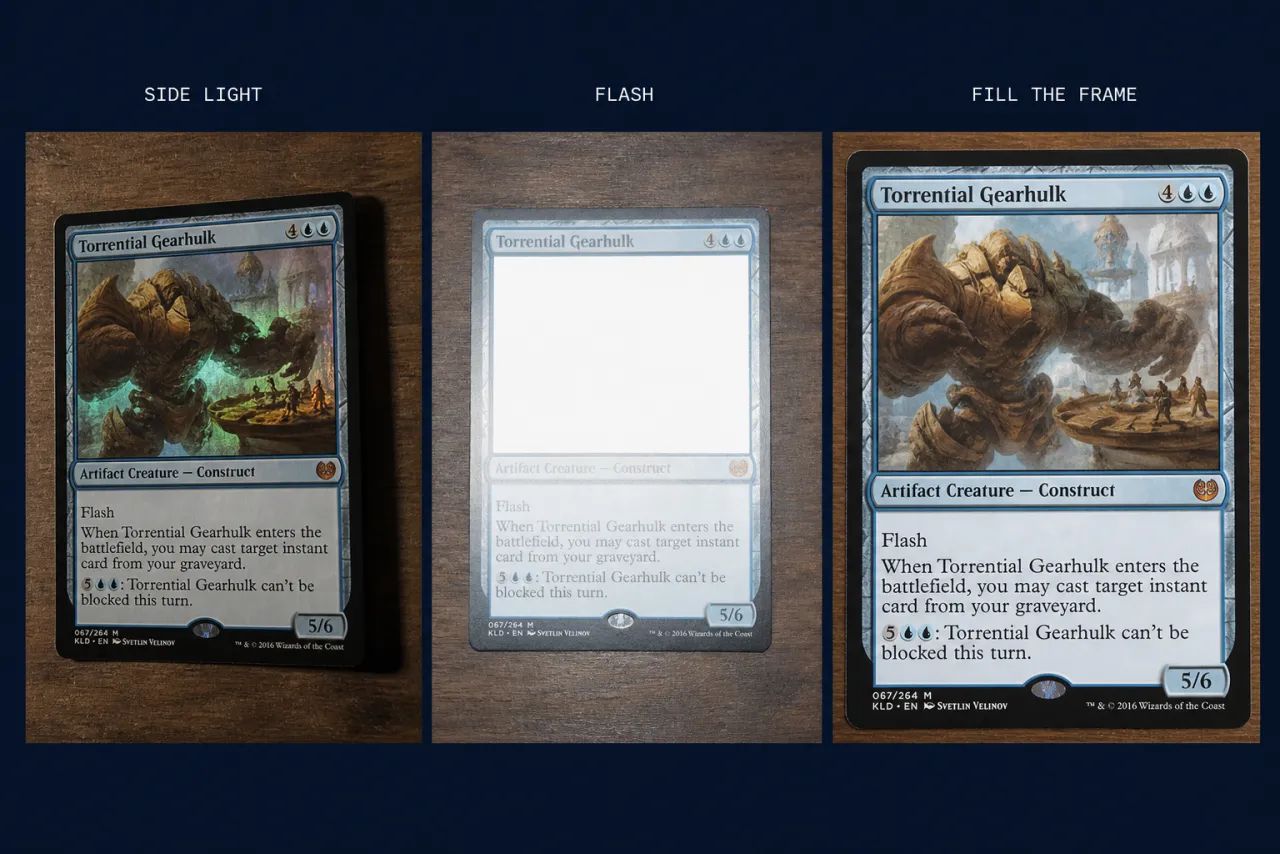
Use bright, indirect light from the side or above. Avoid on-camera flash. Flash turns holos into white rectangles and hides the edges the model needs. Window light through a thin curtain works. A desk lamp bounced off a wall works. Overhead LEDs pointed straight down usually do not.
Kill the glare
Tilt the card slightly until the holographic flash is off the text, corners, and edges. You want to see the border, not a mirror. If you cannot read the set symbol, the photo is not ready.
Fill the frame
Get close enough that the card is most of the picture, but keep all four corners and the full border visible. Cropped corners make centering guesses. Soft focus makes edge wear disappear. Tap to focus before you shoot, and retake if small text looks mushy.
Background and both sides
Use a dark, matte background for light cards and a light, matte background for dark cards. Glossy tables reflect. For a grade, shoot front and back on the same surface, as flat as you can. A single front shot can identify a card; a full pre-grade needs the back.
FAQ
Questions collectors ask
Can I grade from one front photo?
You can identify a card from a front shot. A full pre-grade wants the back too — back centering, corner wear, and surface live there. Skip the back and you are grading half a card.
Why do my holos always look white?
On-camera flash, or a light sitting where the camera is. Tilt the card until the flash is off the text and borders. Bounce a lamp off a wall. If you cannot read the set symbol, retake it.
Does a sleeve or toploader in the photo matter?
Yes. Plastic adds glare, rounds corners in the photo, and hides edge wear. Shoot the card out of the loader on a matte surface. Sleeve it again the moment you are done.
I only have overhead kitchen lights. Now what?
Turn one lamp toward a wall and use the bounce, or stand next to a window with a curtain. Straight-down LEDs flatten the card and put a hot spot on holos. You do not need a studio — you need a side source and a retake.